
There are two main elements in your workspace in Miso: the main view and the sidekick view.
The main view lets you navigate through Miso and provides a general overview of your case information. For example, you can use the main view to see people, documents and facts associated with a selected issue or write and overview your case notes.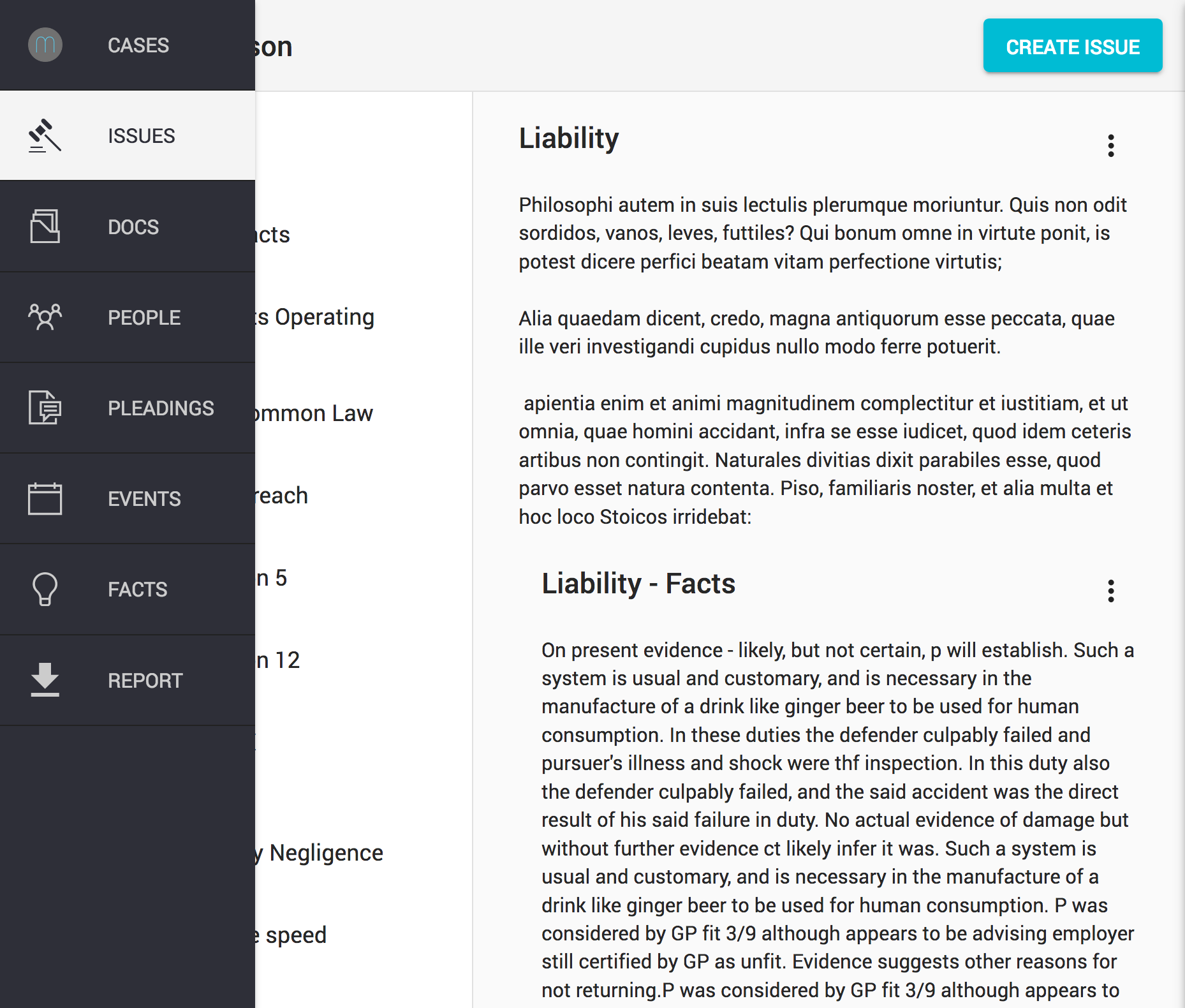
The sidekick view is where you can display additional information, such as document details and perform actions conditional upon the state of the main view. For example, you can display details of an open document or create a new fact from it.
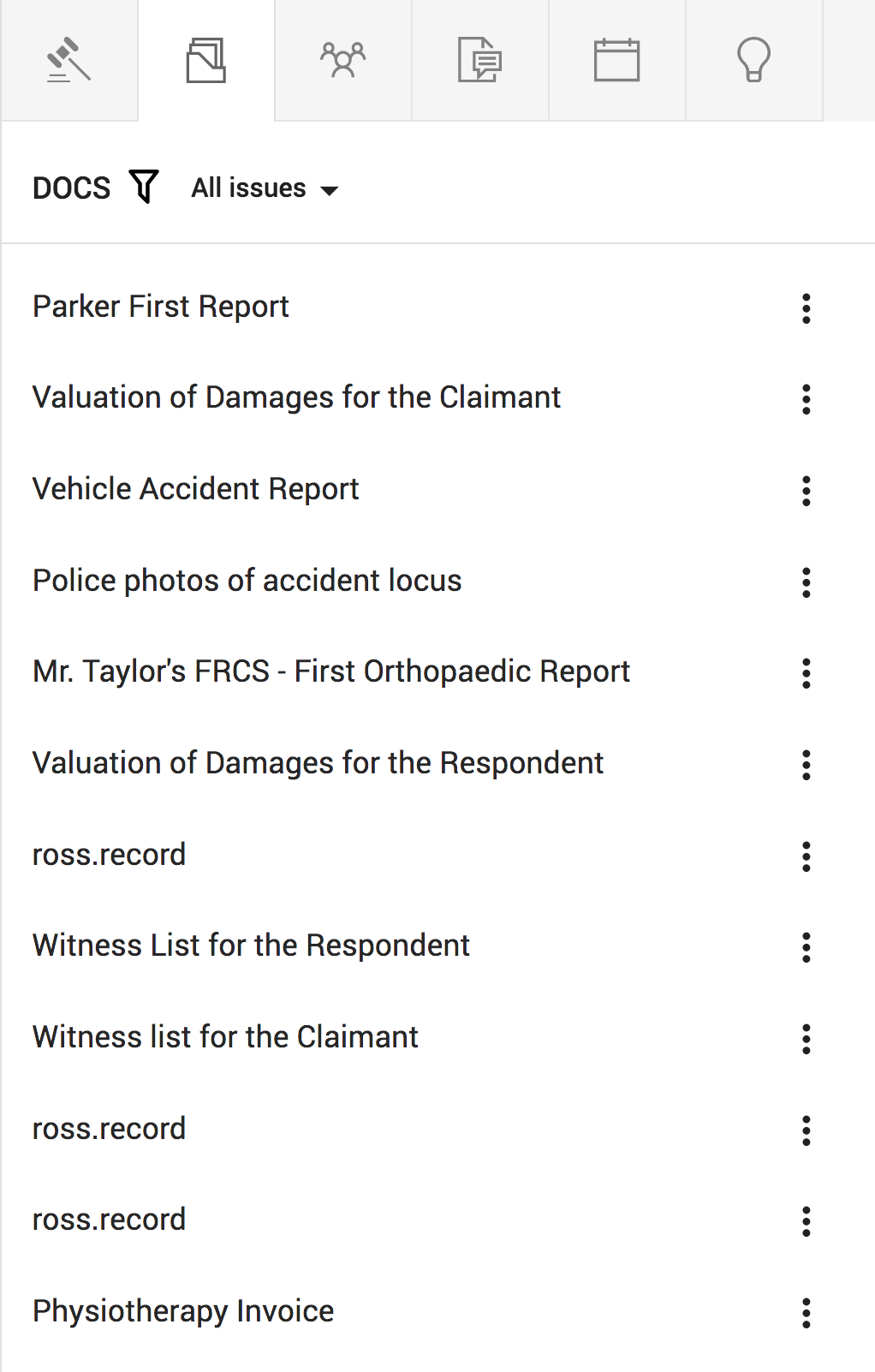
The power of Miso lies in using the main view and sidekick together to pull information from different sources and combine them together. For example, you can create facts from documents by opening "Documents" in the main view and "Facts" in the sidekick.
Comments
0 comments
Please sign in to leave a comment.