
If not already in Miso, log in again here.
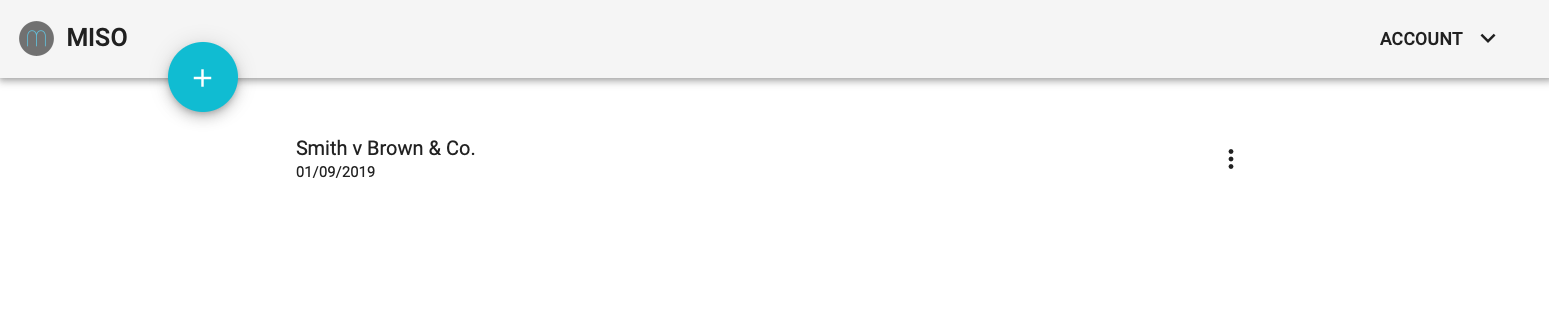
Open any case by selecting from your case list.
Main View and Sidekick View
Miso's layout comprises two main sections; 'main view' and 'sidekick'.
The left hand vertical navigation bar controls the main view and also enables you to download a case report or return to your list of cases. Sidekick navigation is controlled through the horizontal navigation bar positioned at the top of the sidekick.
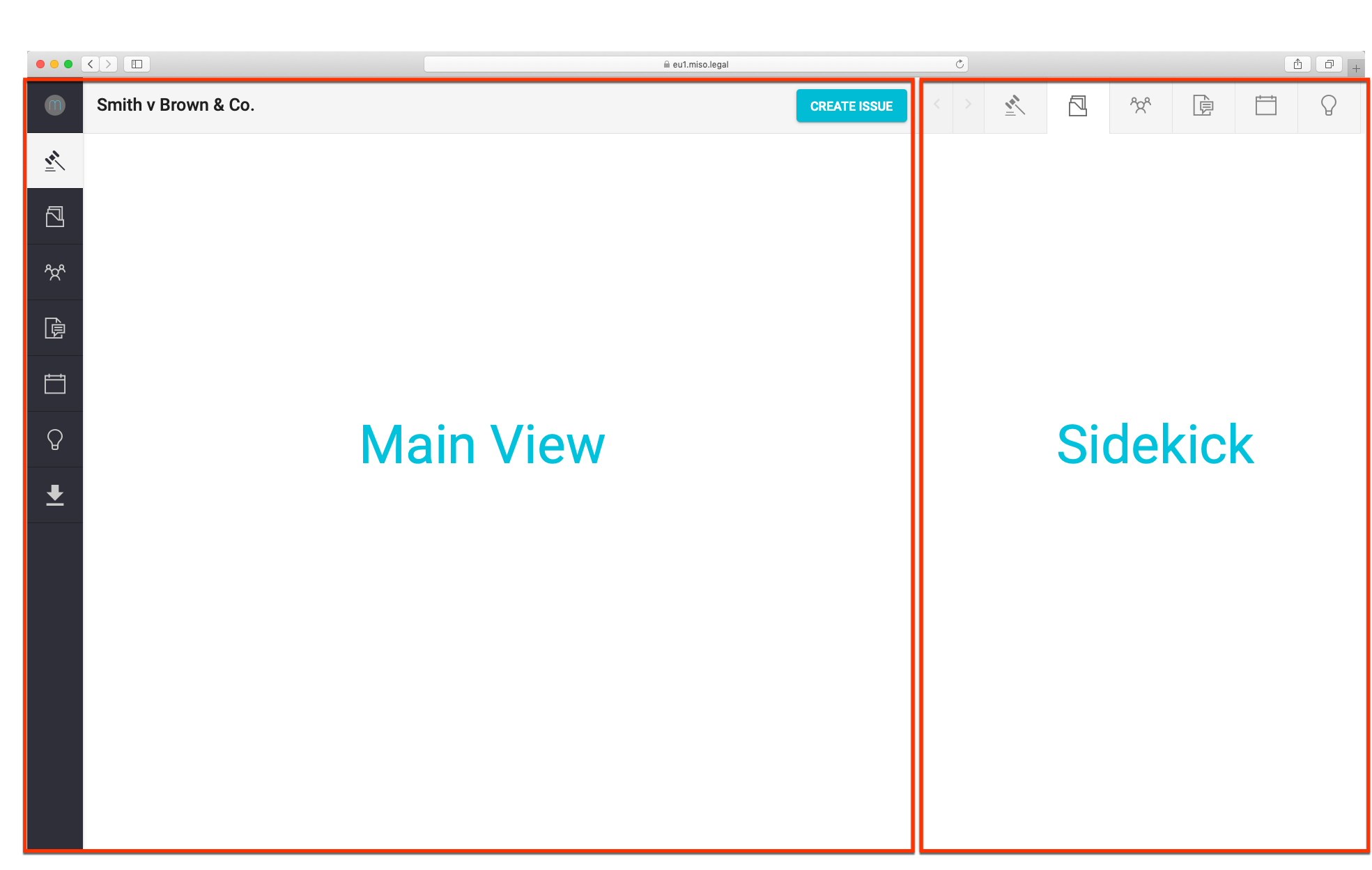
Using the left hand navigation buttons, you can move between various layouts in main view. The sidekick works in a similar fashion, using the horizontal navigation bar. You can view information independently in the main view and sidekick. For example, you can view People in the main view whilst simultaneously viewing Issues in the sidekick, (or vice versa). Play around with combinations and use whatever works best for you.
Next step:
Comments
0 comments
Please sign in to leave a comment.