
Using Miso's intuitive in-built text editor you can quickly create executive summaries and closing submissions linked to a specific case.\
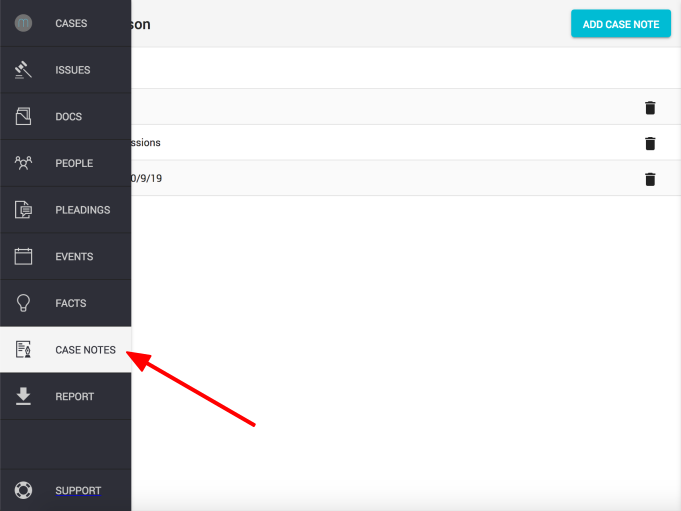
Step 1.
Click on the "Notes" icon found in the left hand navigation column
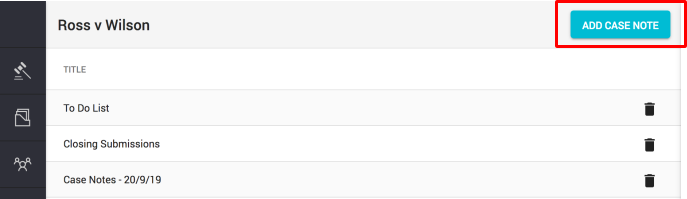
Step 2.
Click the "Add Case Note" button found next to the case name
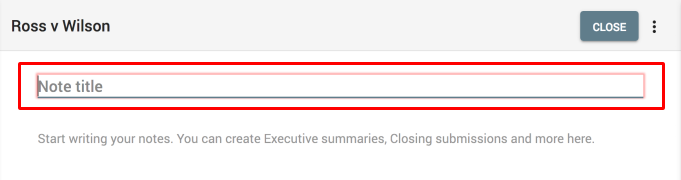
Step 3.
Enter a title
Step 4.
Start writing your notes.
After you're ready, just click on the "Close" button
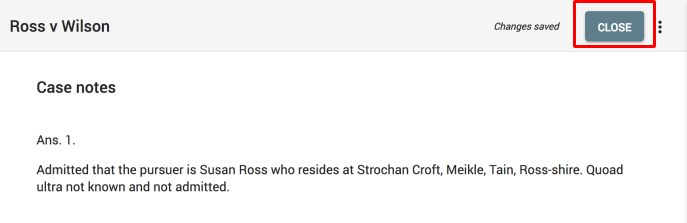
Note: Case Notes automatically save to give you more time to focus on your summary.
Comments
0 comments
Please sign in to leave a comment.