
Facts are a powerful way to drive connections between what you discover in case documents and the legal issues you identify.
Step 1.
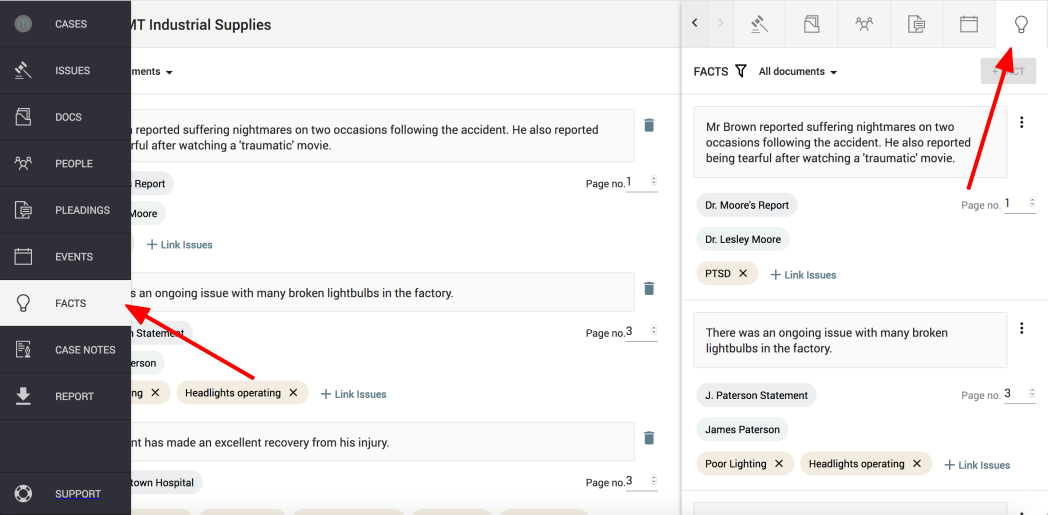
Click on the "Facts" icon found on the left hand navigation column or on the top right of the sidekick window
Step 2.
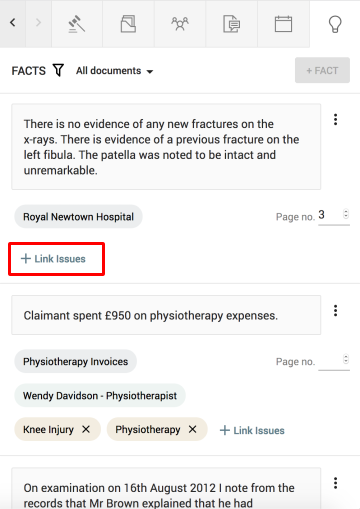
Scroll to find which fact your wish to link and click on the "+ Link issues" button.
Step 3.
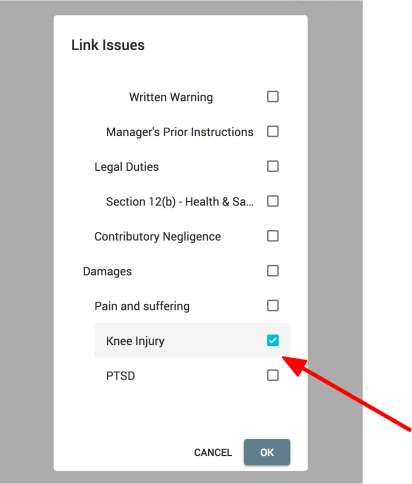
Tick the Issue or issues you want to link and press "OK" to confirm.
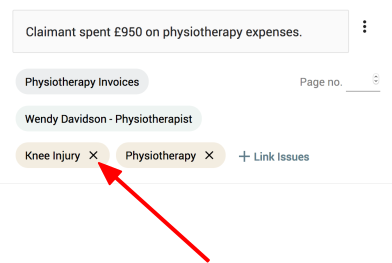
Note: To unlink an issue and a fact, find the issue you want to unlink and click on the "x" button next to its name. This issue will be unlinked from the fact.
Comments
0 comments
Please sign in to leave a comment.