
Miso lets you quickly link pleading sentences to specific issues and sub-issues, helping you structure your line of argument.
Step 1.
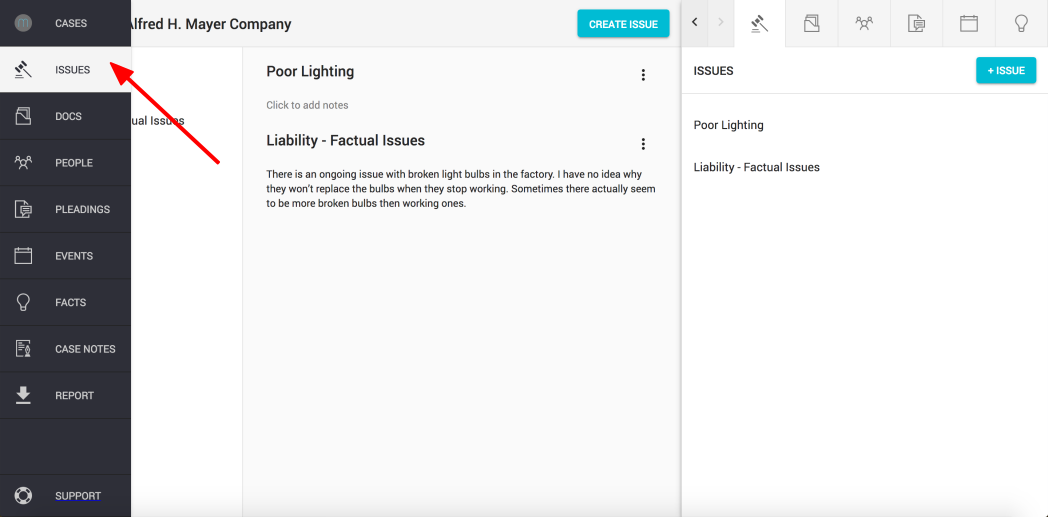
Click on the "Issues" button found on the left hand navigation column of the main view
Step 2.
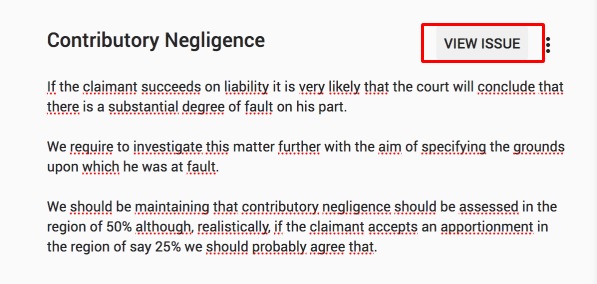
Find the issue you wish to link and click "View Issue"
Step 3.
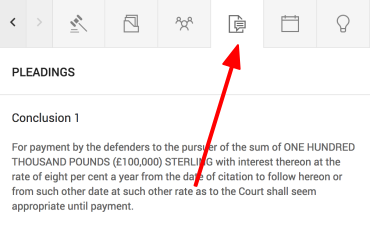
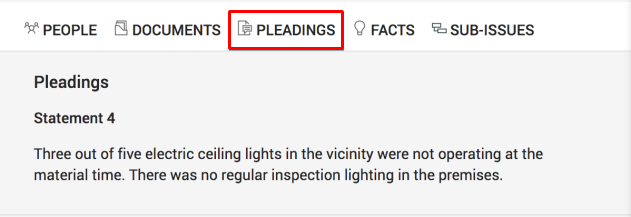
Open "Pleadings" in the sidekick window
Step 4.
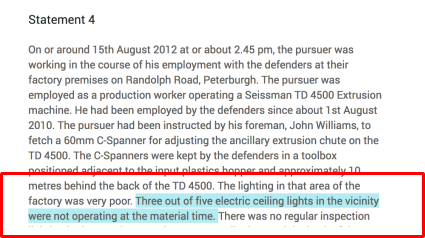
Find the pleading you wish to link to your issue and hover your cursor over the sentence - it will be highlighted in blue.
Click on the highlighted sentence once.
Repeat this step on all sentences you wish to add.
Step 5.
Sentences you link will appear in the pleadings tab under the respective issue.
Note: If you wish to remove the link, simply hover the cursor back over the highlighted sentence and click once.
Comments
0 comments
Please sign in to leave a comment.