
There are 2 different ways/methods? of organising "Docs”: you can organise them by type, or manually by dragging and dropping documents within their types.
Changing Type
Step 1.
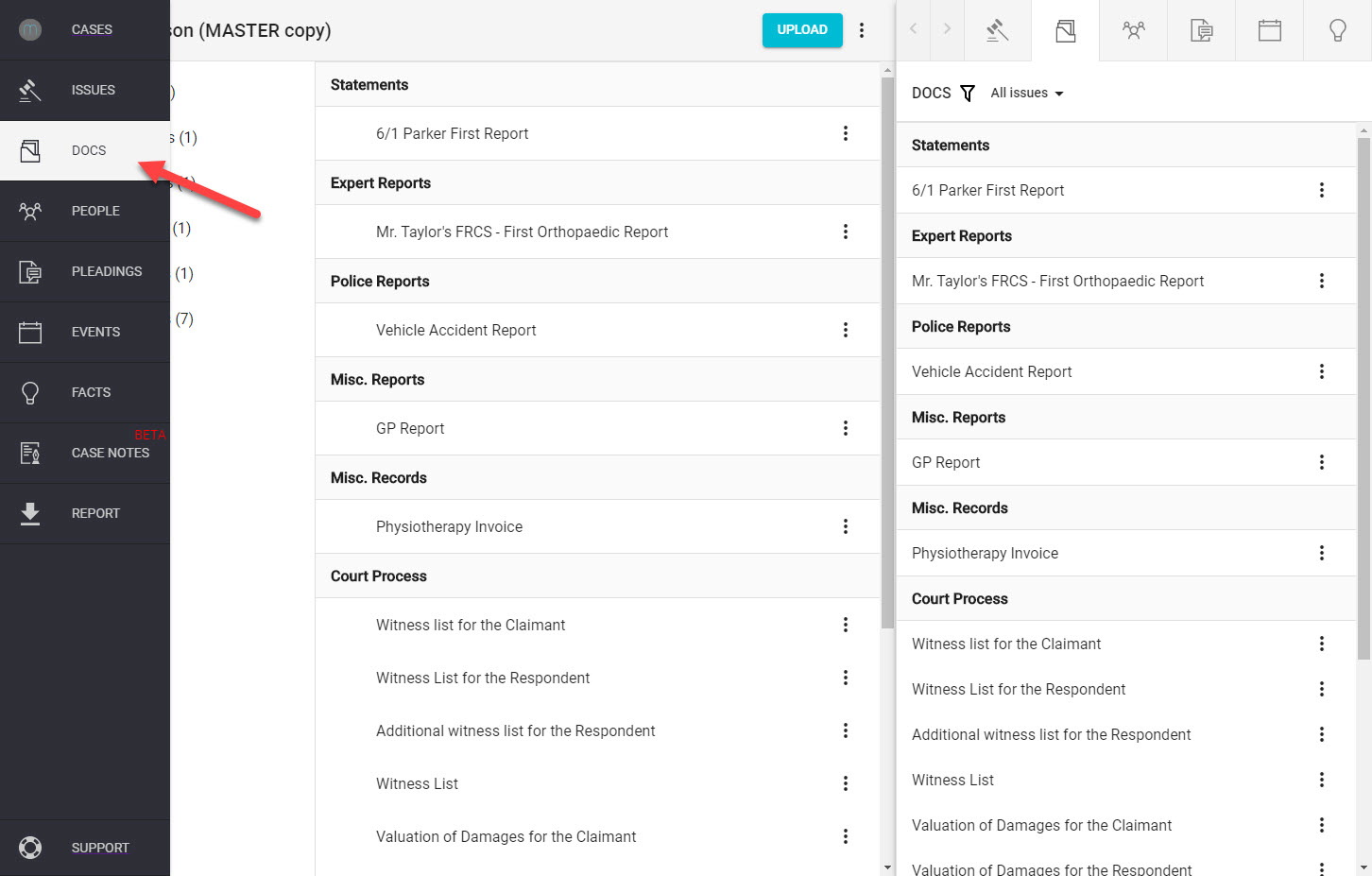
Click on the "Docs" icon in the left-hand navigation column.
Step 2.
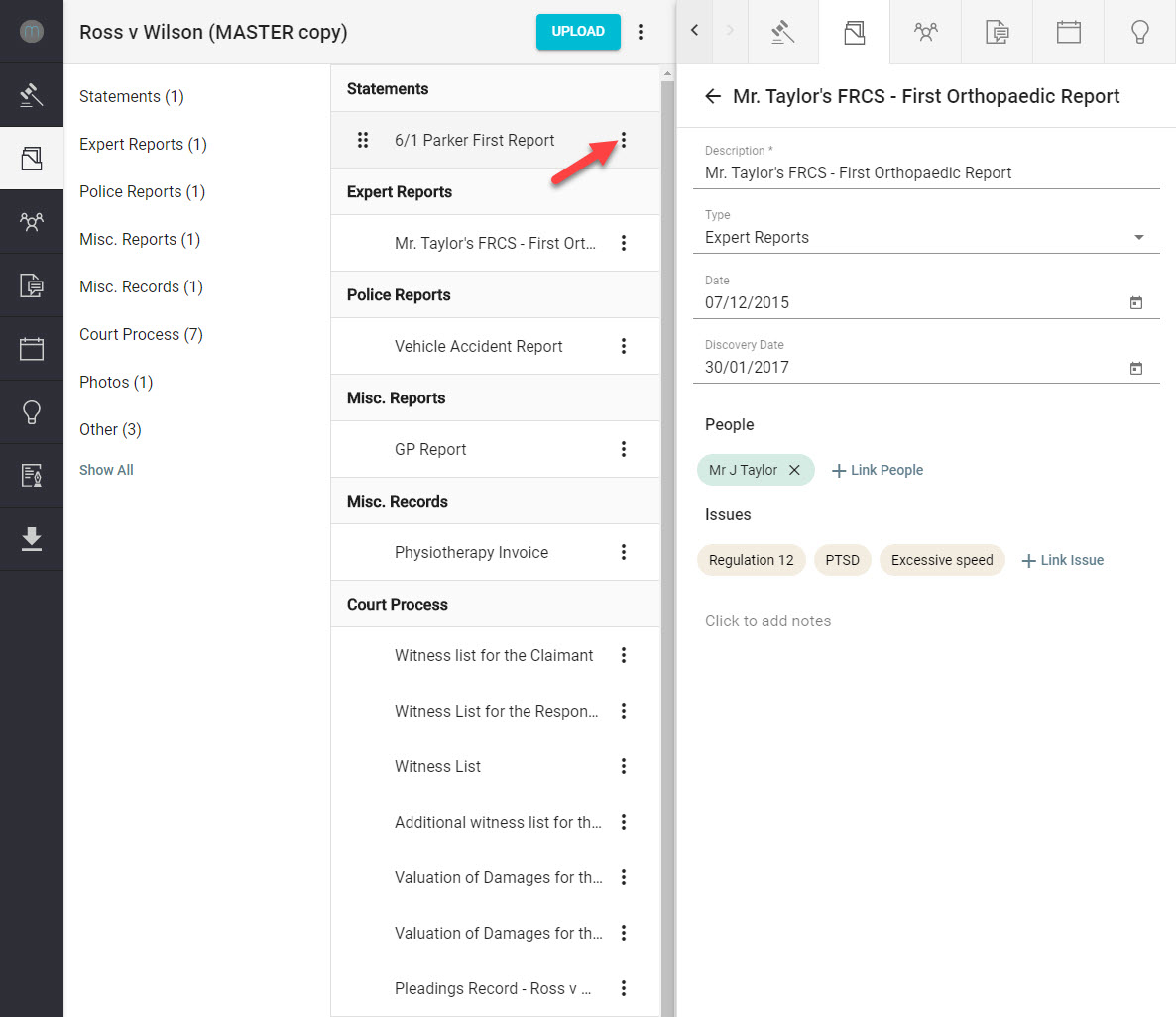
Using the left mouse button, click the “three dots” symbol located to the right of the Docs name.
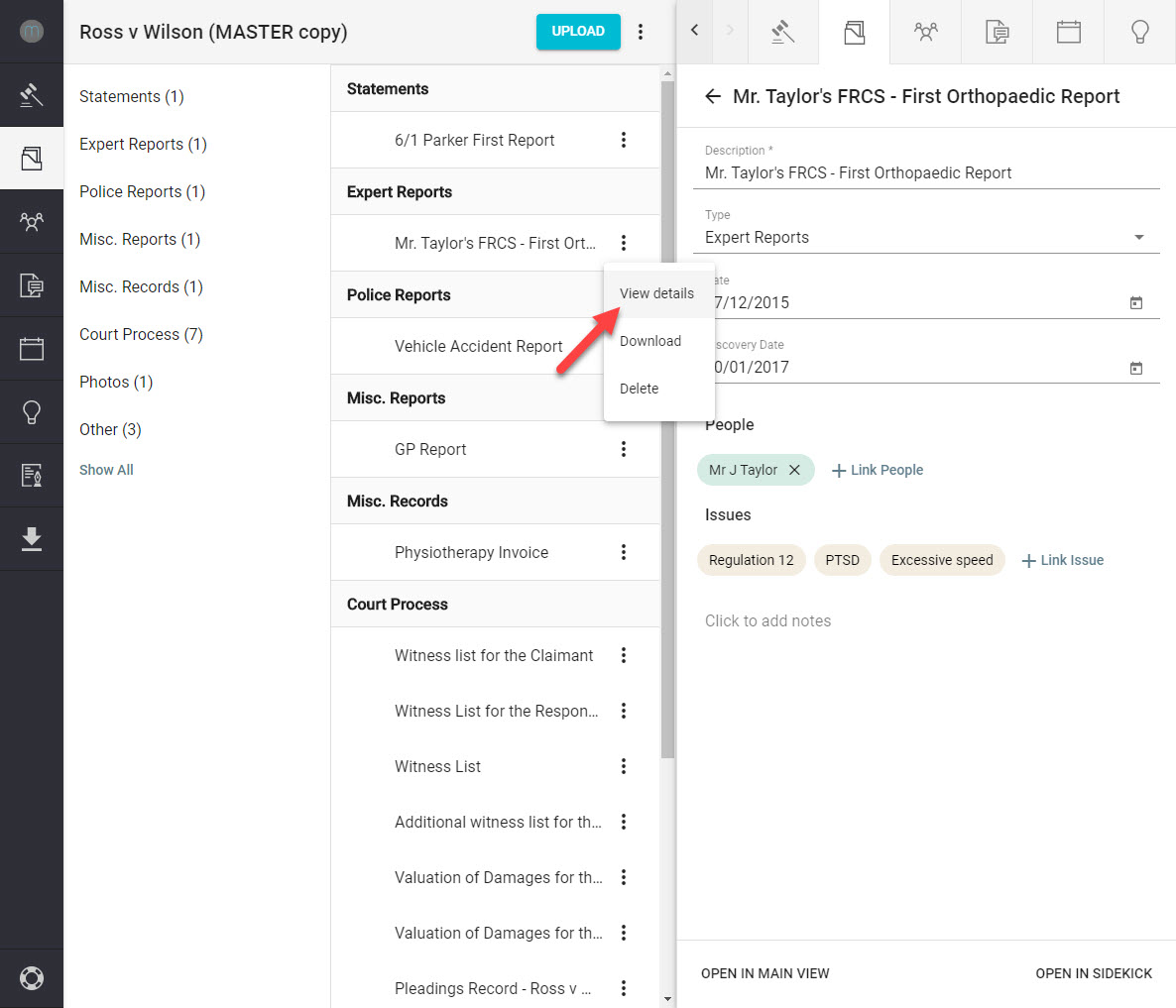
Now click on "View Details"
Step 3.
Using the drop-down arrow located to the right of the "Type" box, select the type of document required.
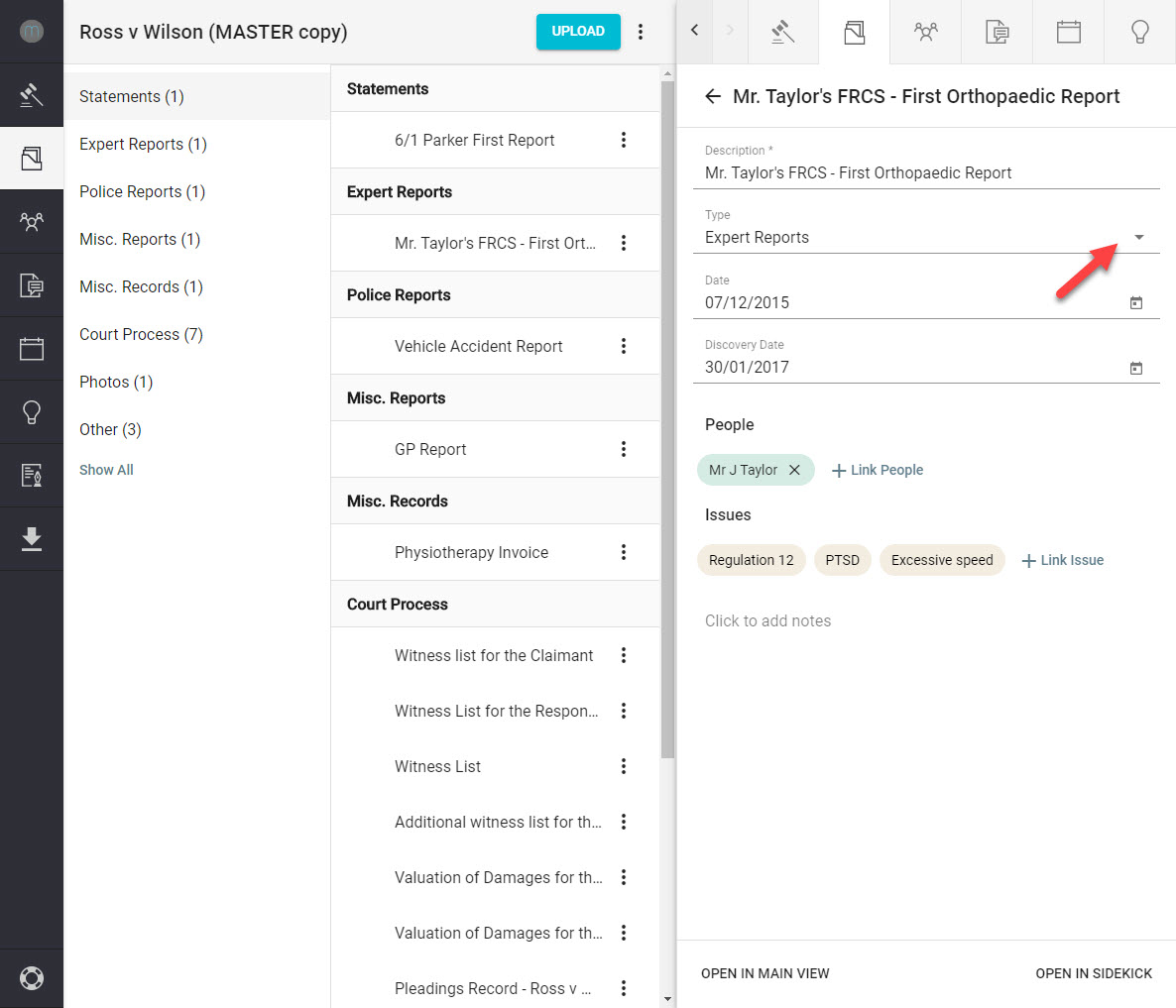
You are now able to select the type you want the document to be organsied in to.
Dragging and Dropping
Step 1.
Click on the "Docs" icon in the left-hand navigation column.
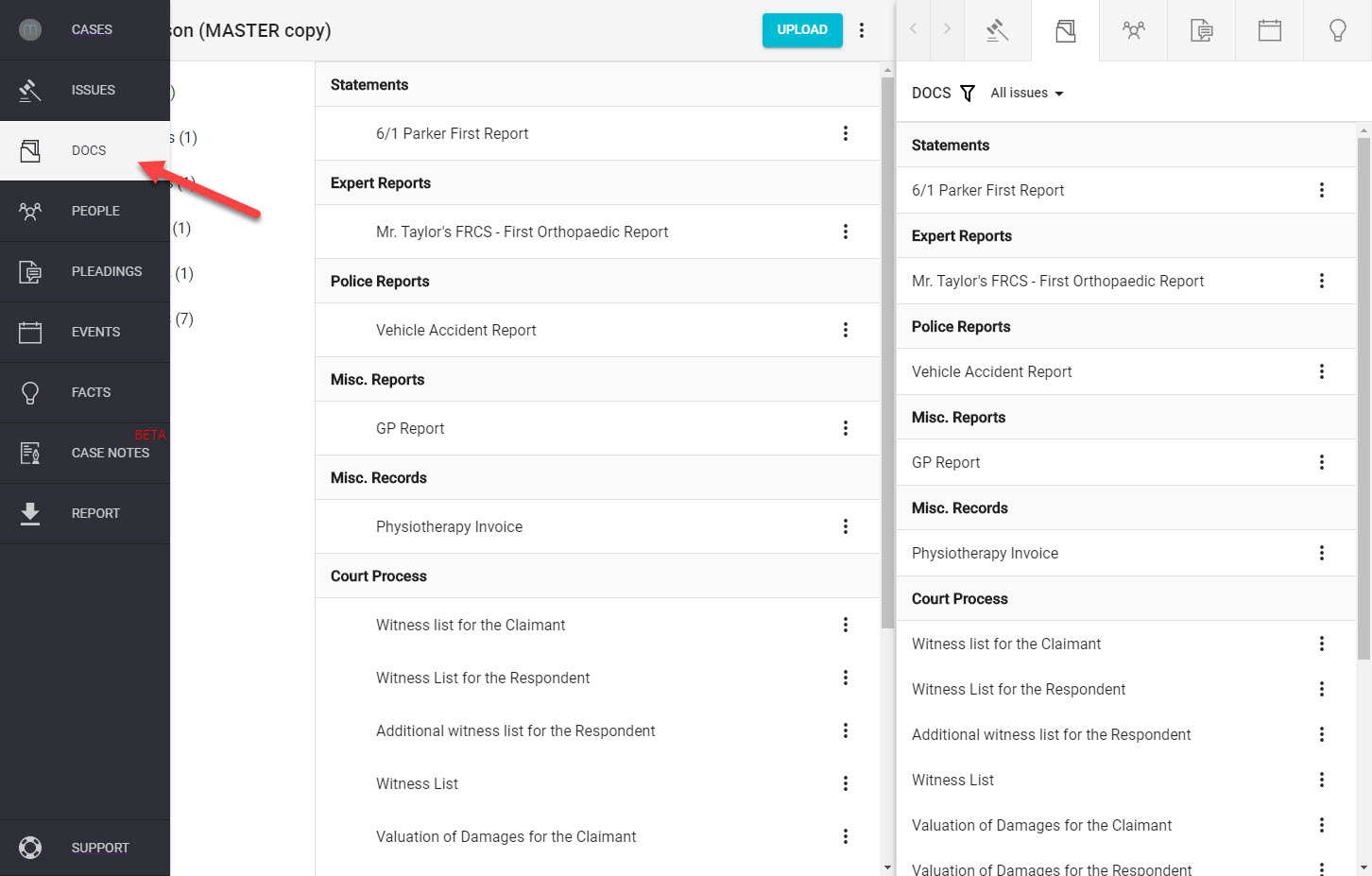
Step 2.
Using the left mouse button to click and hold your cursor on the Docs name, you are now able to select the type of document required.
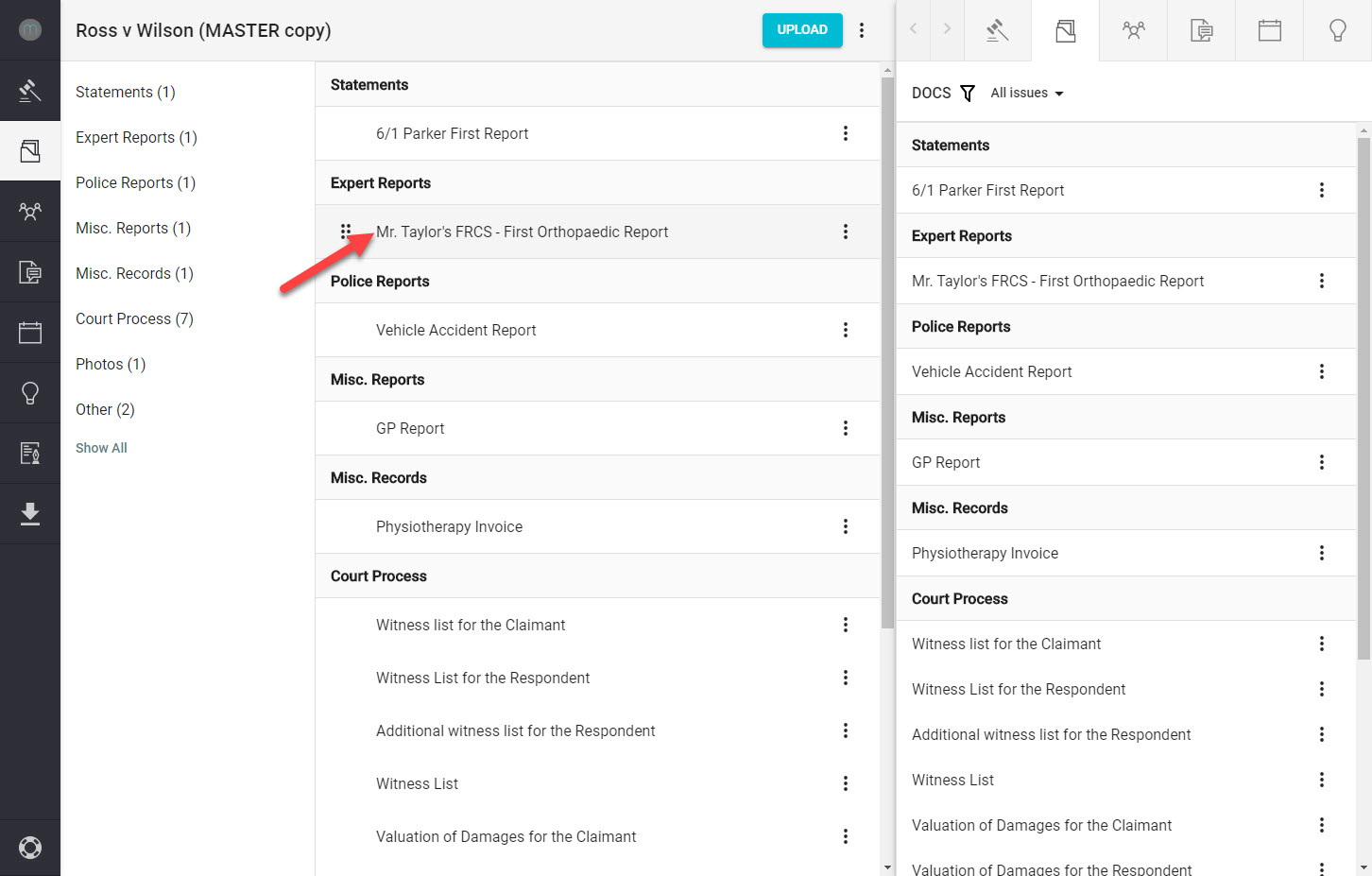
Now you can drag the name into the position you would like and let go of the left mouse button.
Comments
0 comments
Please sign in to leave a comment.