
Miso allows you create and manage multiple cases within a single, safe and secure environment.
Step 1.
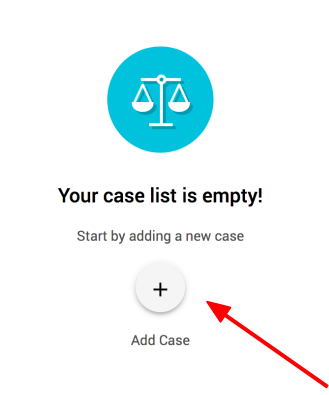
After logging into Miso, click the "+ Add Case" button to add your first case.
Step 2.
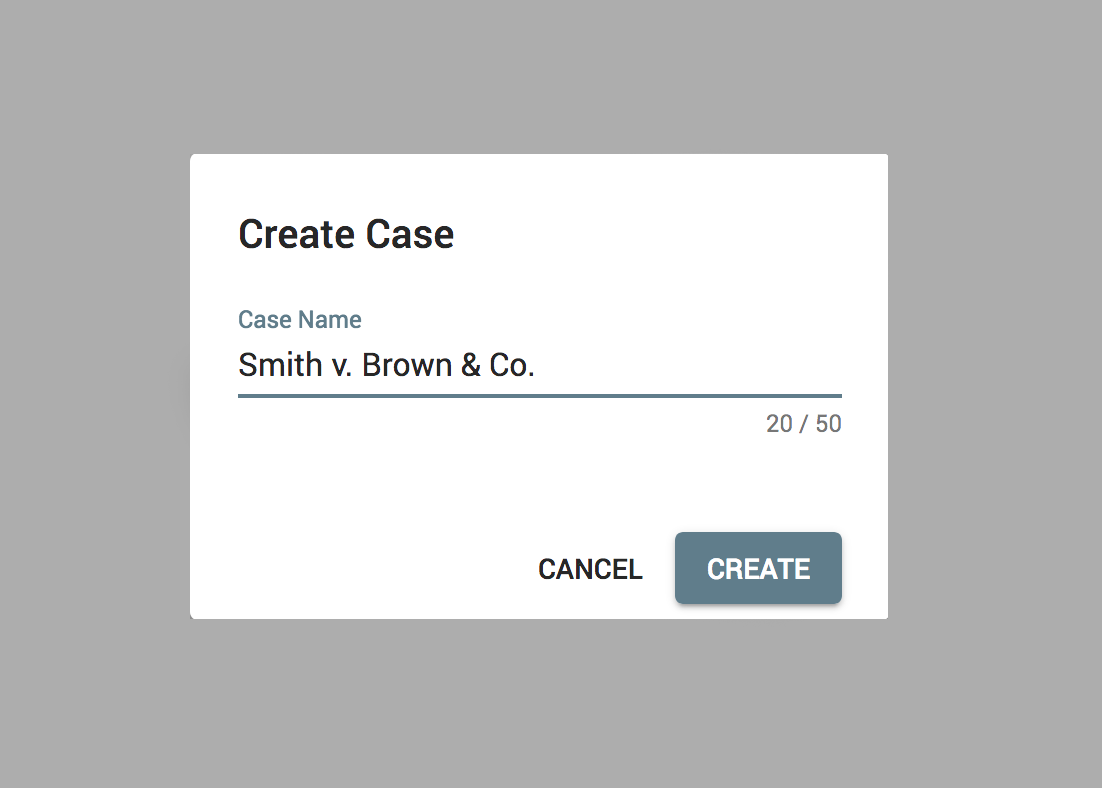
Enter your case name and click "Create"
Step 3.
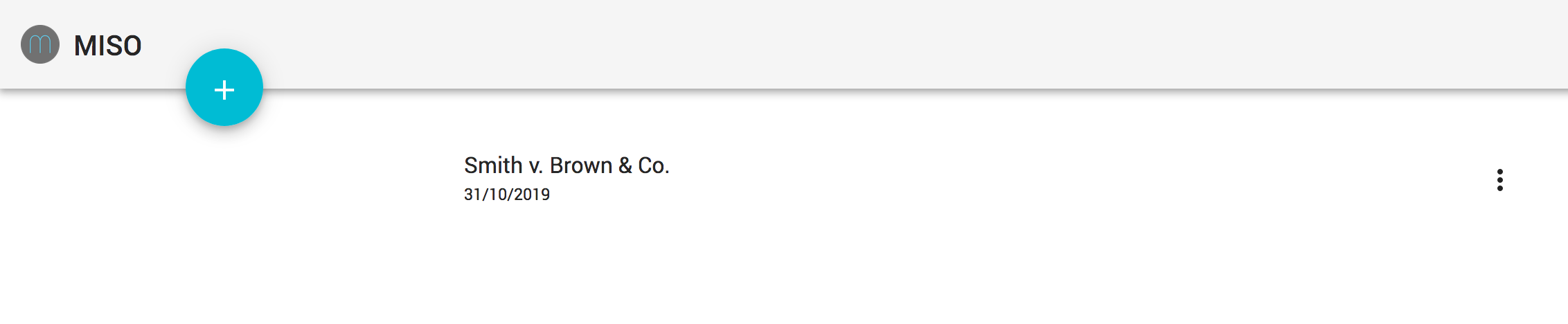
Your case appears in your case list.
Step 4.
Add additional cases by clicking on the "+" button.

Comments
0 comments
Please sign in to leave a comment.