
Step 1
Either click this link:
Or open your web browser and type:

*Note - Miso works with Edge, Chrome, Firefox and Safari. Miso does not work on Explorer.

Step 2
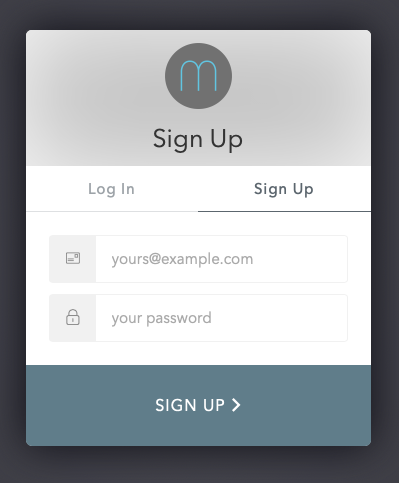
If you would like to create a new account click ‘Sign Up’ and enter your email address and choose a password. If you are unsure whether a previous Miso account is valid, select "Log In" and try logging in using your previous details. If Miso recognises you move to Creating a Case, if not, simply follow the instructions here for "Sign Up" to create a new account.
Step 3
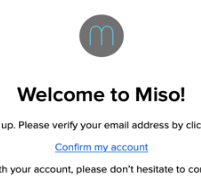
Shortly after signing up, you will be sent an email welcoming you to Miso.
Please ensure that you check for the email arriving, as you require to verify your Miso account by clicking the "Confirm my account" link in the email.
*Note - You may not receive your welcome email immediately. Email security processes can occasionally delay receipt of the email for up to several hours. It is also worth checking your email "Junk" folder.
Congratulations, you are now up and running with Miso!
You are now able to access Miso through “eu1.miso.legal” from any browser window using your email and password.
Comments
0 comments
Please sign in to leave a comment.