
Miso lets you store pleadings as interactive paragraphs and responses you can edit, expand, reorganize and link to specific issues and sub-issues.
Step 1.
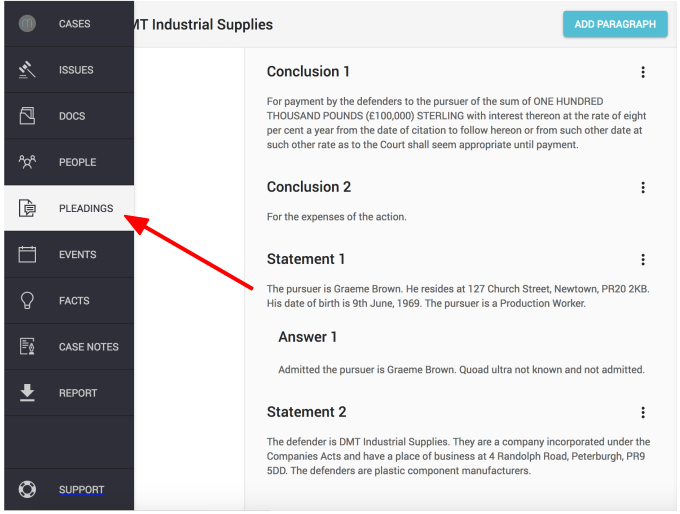
Click on the "PLEADINGS" icon, found in the left hand navigation column
Step 2.
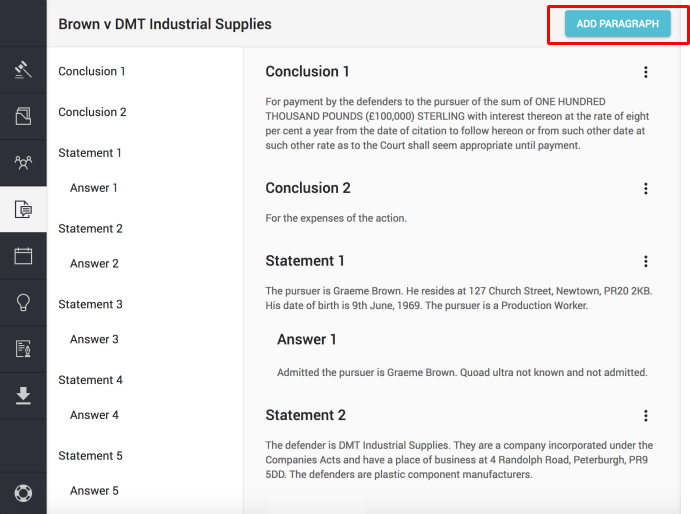
Click on 'Add paragraph' (top right of the main view)
Step 3.
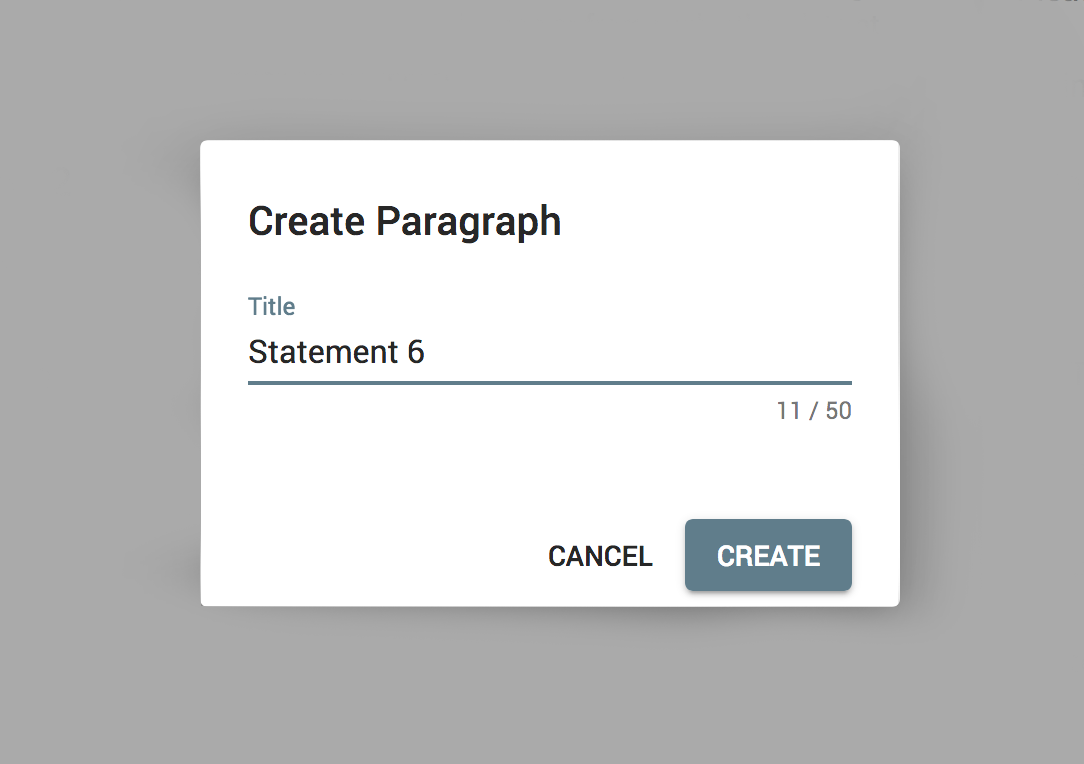
Enter paragraph title and click "Create" to confirm
Step 4.
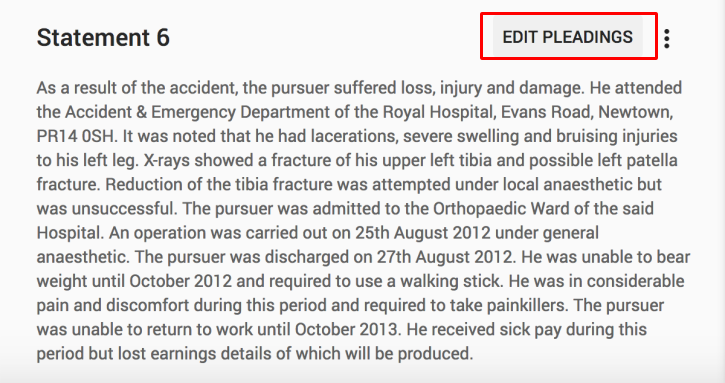
Move your cursor over the paragraph title and you will see "Edit Pleadings" appear. Click on "Edit pleadings".

Step 5.
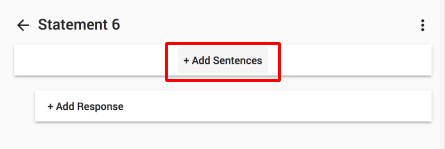
Click on "+ Add sentences"
Now you can copy & paste pleading sentences into the window:
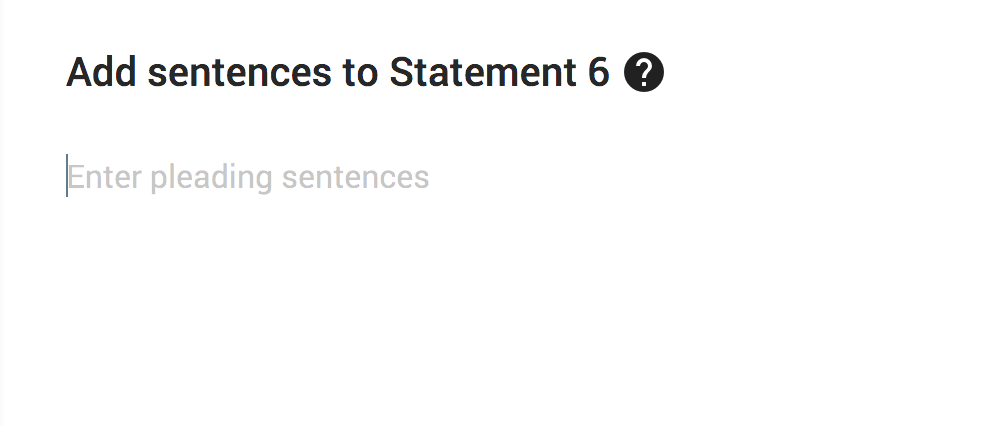
Step 6.
Click "Split sentences" to place each sentence on a new line. This will allow you to connect individual sentences to issues.

Step 7.
Click "Add sentences" to add sentences to the paragraph. 
Note: You can add responses to paragraphs in the same way. Just click on the "Edit pleadings" button next to the paragraph you want to add a response to.
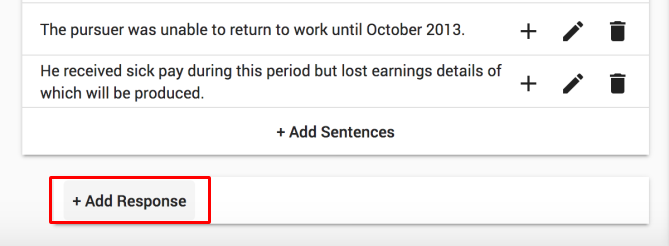
Next, click on "Add response" and copy and paste sentences into the window.
Comments
0 comments
Please sign in to leave a comment.