
Step 1.
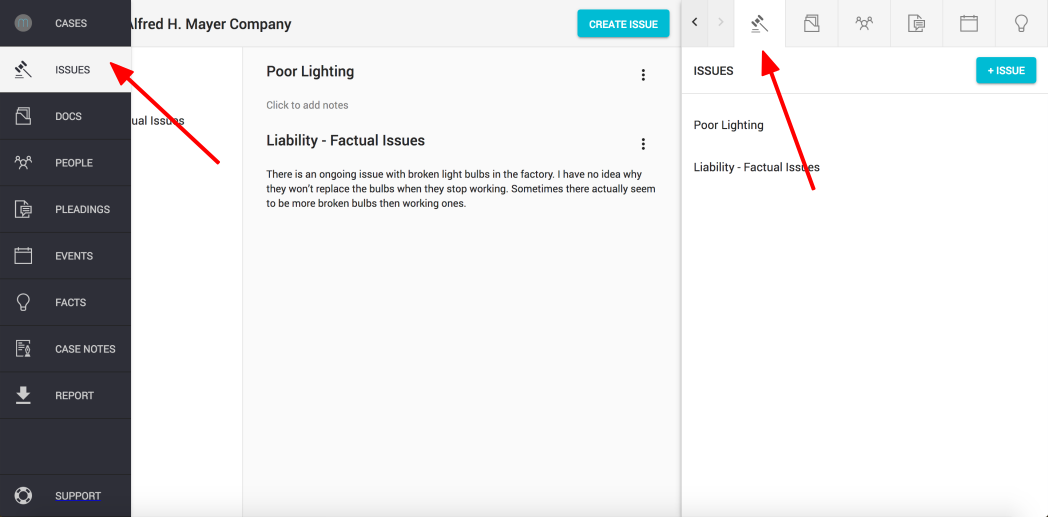
To add a sub-issue, click on the "ISSUES" button found on the left hand navigation column or on the top right of the sidekick window
Step 2.
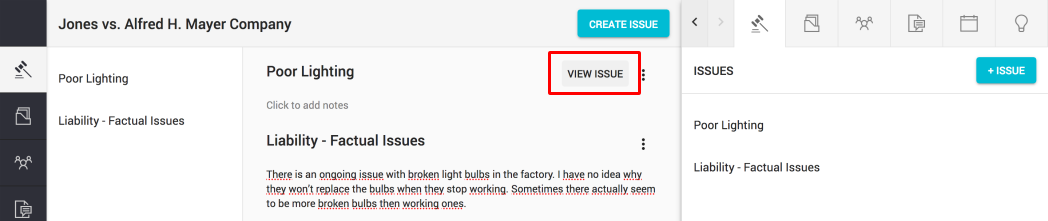
Find the issue you want to add a sub-issue to and hover over its name.
Click on the "View issue" button that appears
Step 3.
Click on the "Sub-Issues" tab to navigate to sub-issues associated with this issue
Step 4.
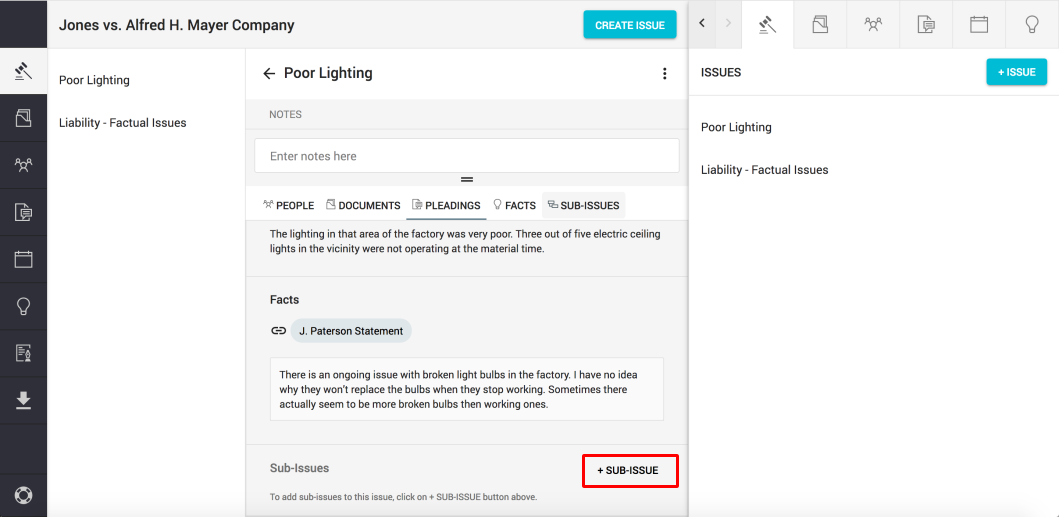
Click on the "+ Sub-issue" button to add a sub-issue
Step 5.
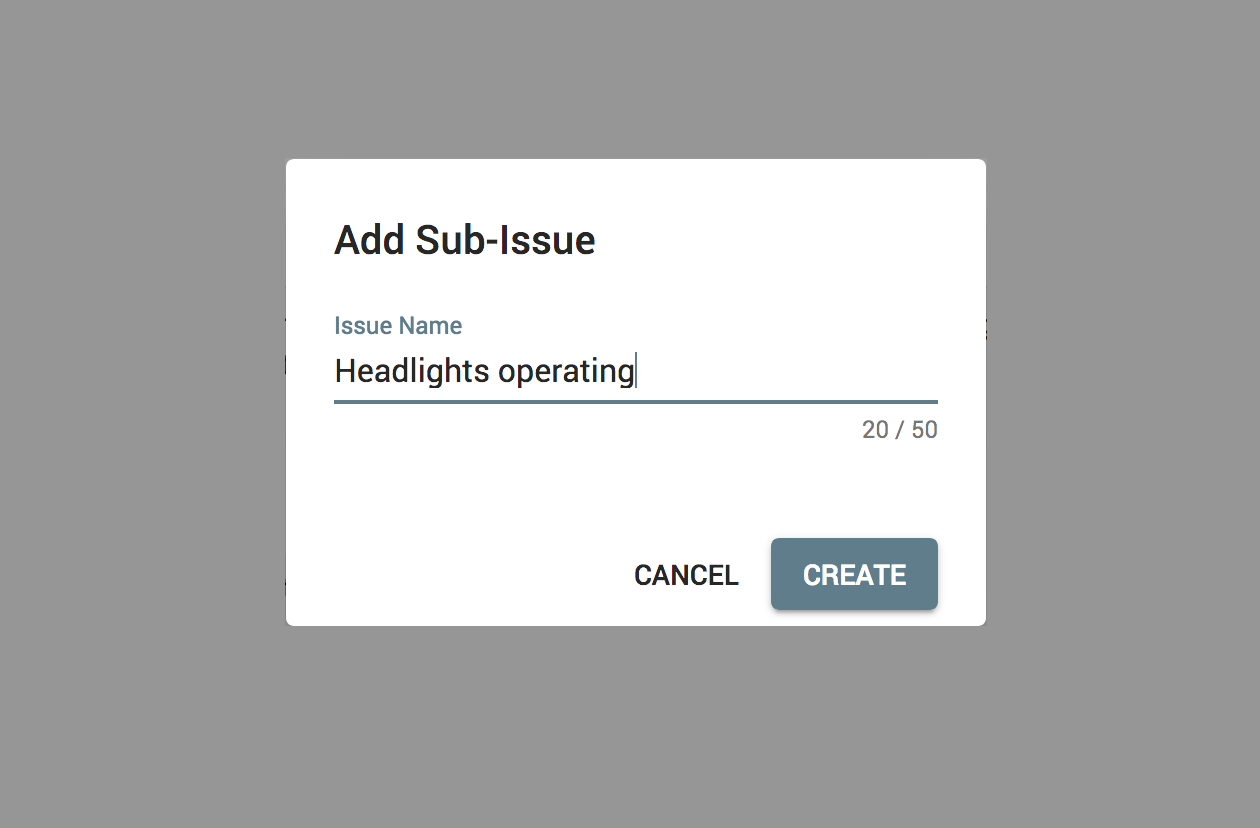
Write down the sub-issue name and click "Create" or press "Enter" to confirm.
Step 6.
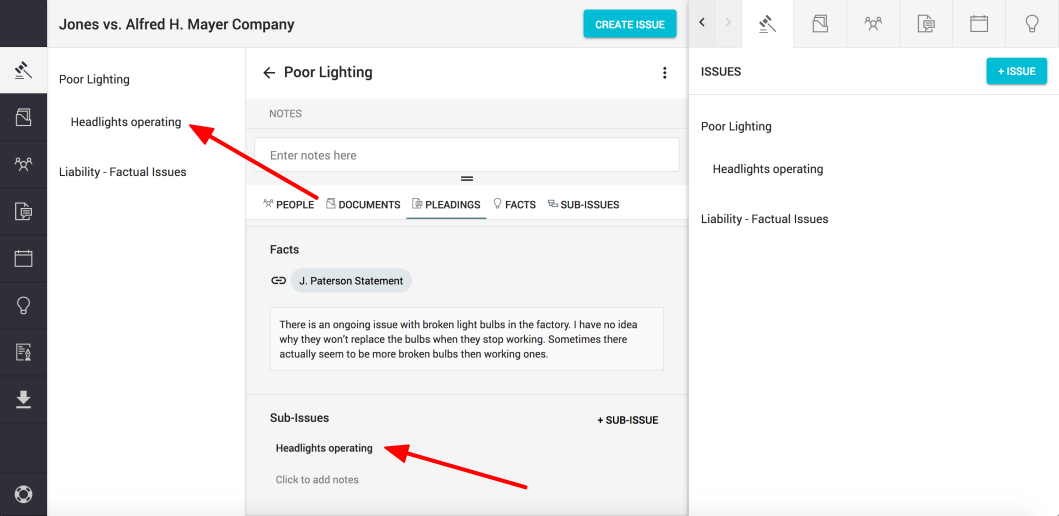
Your sub-issue will appear on the issue list and the issue detail panel in the "Sub-issues" tab
Comments
0 comments
Please sign in to leave a comment.