
Step 1.
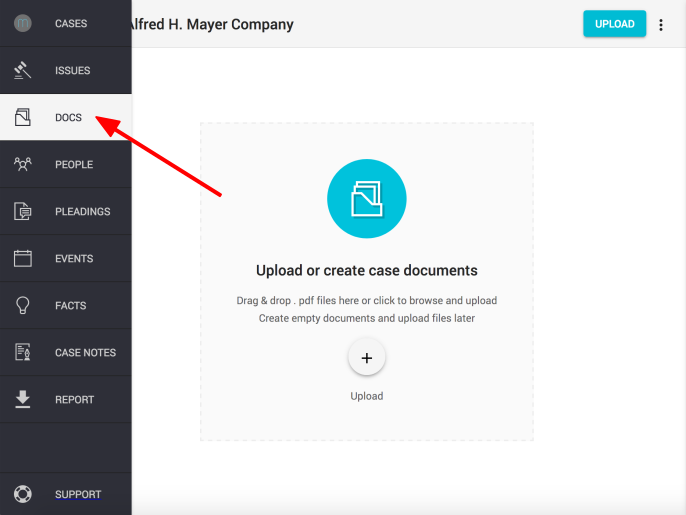
Click on the "DOCUMENTS" icon found in the left hand navigation column
Step 2.
1. Click the "Upload" button on the right of the case name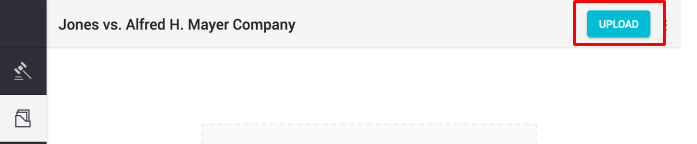
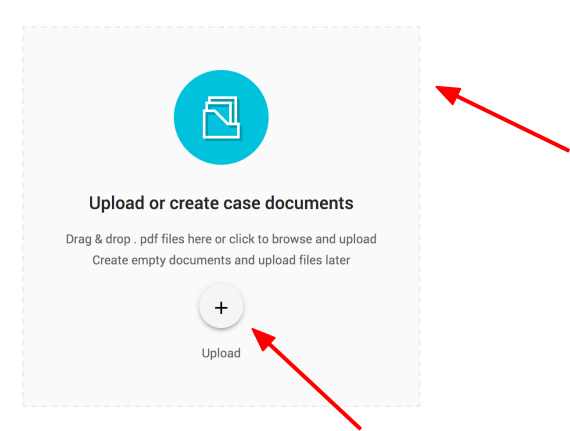
Note: There are three ways to upload .pdf documents (or multiple .pdf documents) into Miso
You can also:
- Drag and drop PDF files into the indicated grey box or
- Click the "+ Upload" button in the grey field
Step 3.
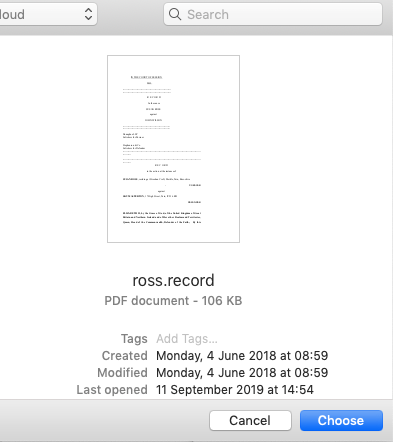
Find and select the document (or documents) you want to upload by clicking "Choose"
Comments
0 comments
Please sign in to leave a comment.